Make a 12-second video of your product with one Claude prompt
Turn your product details into a 9 to 12 second vertical motion video with one Claude prompt
23 minutes // Marketing
- Category
- Marketing
- Time
- 23 minutes
- Published
- Sections
- 18 sections
- Author
- Emre Çakan
Works with
-
 Claude
 Video Watch the video Reels · Open on Instagram Instagram word:
What is inside
- One copy-paste Claude prompt with placeholders
- A full example with its storyboard
- Eleven steps from getting ready to a checked MP4
- A message to fix a wrong video
- How to save the prompt and reuse it for every product
Start here
What you will build
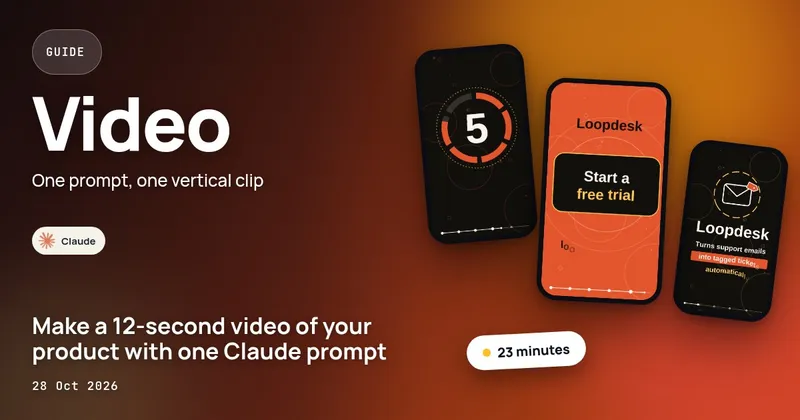
a 12 second vertical MP4 video of your product for your phone feed, with moving text, drawn icons, your key number counting up and your call to action, in your brand colour. No video tools. No code. The video has no logo, product screenshots, voice over or music.
What you need
- A Mac or Windows computer with a web browser.
- A Claude Pro account. Section 1 shows how to get one.
- Seven short facts about your product from your own website.
- Time: about 23 minutes.
- Cost: the Claude Pro plan. Nothing else to buy.
First thing to do
enter your email below to open step 1.
What you will have at the end
a checked 12 second vertical MP4 of your product in your Downloads folder, and a saved prompt file in your Documents folder that makes the next one.
What is inside
| Promised | Where it is |
|---|---|
| Getting your account and product facts ready | Section 1 |
| Turning on file creation in Claude | Section 2 |
| The copy and paste prompt | Section 3 |
| Filling in your product details | Section 4 |
| Getting the MP4 | Sections 5 to 7 |
| Checking it before you post | Section 8 |
| Fixing a wrong video | Sections 9 and 10 |
| Reusing it for every product | Section 11 |
| The rules in one table | Section 12 |
| A full example, input and video | Section 15 |
16 more sections
Enter your email to read the full guide.
Every step, prompt and template. One email opens every guide on this device.